What printing your own visual supports actually costs
I use my printer most weeks. Never for anything impressive.
Copies of a worksheet. A schedule I need two of, because one lives on the fridge, or the wall, and one lives in a bag. A page I printed last month that has since been torn up.
So when I say my printables look plain on purpose, part of that is about how they’re read, and part of it is that I know what a full-color page costs to run.
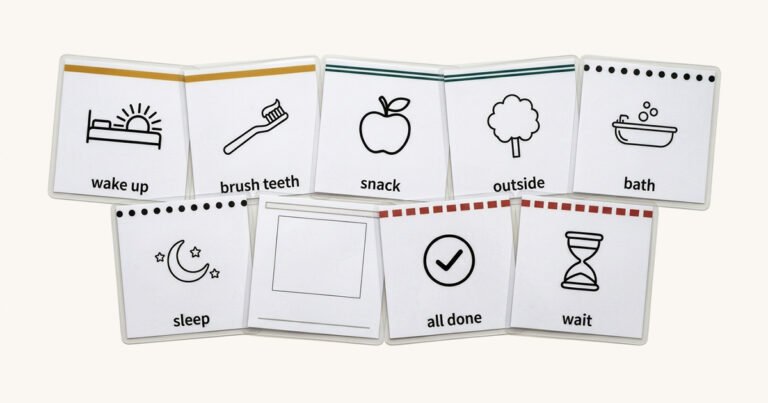
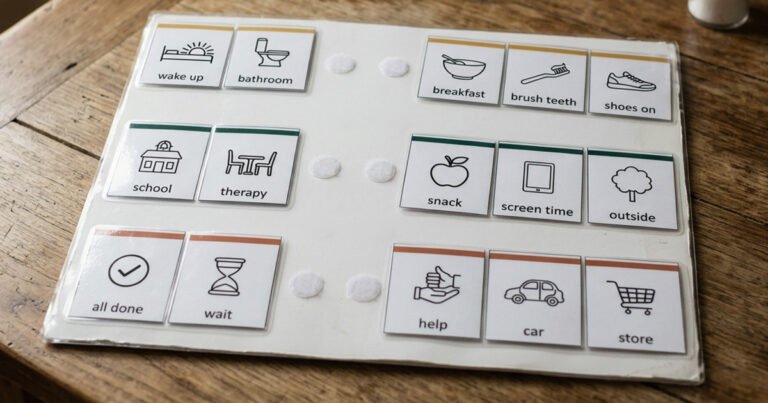
If you print visual supports at home, this is the arithmetic nobody does for you before you download a pack of forty cards.
What I print on
An HP Color LaserJet Pro MFP M277dw. I bought it around 2016 or 2017 for about $400.
Nine or ten years later, it’s still the printer I use. I buy off-brand toner for it. It has never given me a reason to replace it.
I’m not telling you to go buy that one. You can’t get it new anymore and I have no idea what one goes for used. I’m telling you what it is because everything below comes from living with it, and because you should know what someone’s actual setup is before you take their advice about printers.
It’s a color laser, and I normally print in grayscale — which, it turns out, is not quite the setting I thought it was. More on that further down.
The two things I knew from working in printing
I spent years in the printing industry before any of this. Most of what I learned there doesn’t transfer to a kitchen table. Two things do.
Laser doesn’t waste the way inkjet does. That’s the whole reason my printer has outlived four phones.
Off-brand cartridges are fine for home printing. You do not need the most expensive manufacturer cartridge, and you do not need the best printer, unless you’re producing professional-quality photographs that you intend to sell. A first/then board in black ink is not that. Nothing I make is that.
That second one saves people the most money and gets argued with the most, so the rest of this post is mostly me showing you why I’m comfortable saying it.
The thing that actually costs you money
Here’s the part almost nobody mentions, and it’s the reason I’d steer a parent away from an inkjet specifically.
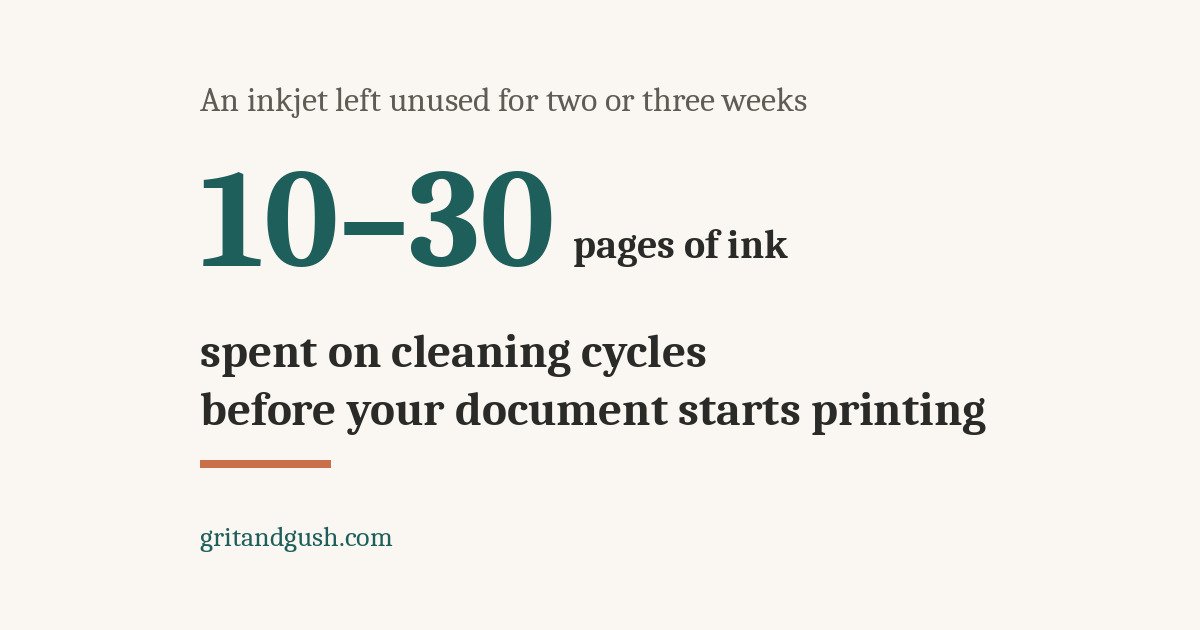
An inkjet that sits unused for two or three weeks runs cleaning cycles the next time you switch it on. Those cycles use ink. The figure I’ve seen quoted is the equivalent of ten to thirty pages’ worth — before your document starts printing.
Now read that against how people actually use printables.
You download a pack. You print it. You use it for a few weeks. Cards get ripped up, chewed, lost, taped to a wall, left in the car. You go back and print four more.
Four pages. Preceded by maybe twenty pages’ worth of ink spent on the printer clearing its own throat.
It isn’t what you’re printing that costs you. It’s how long you went without printing. And a parent printing visual supports is almost by definition an occasional printer — you print when something breaks, which is exactly the pattern that bleeds an inkjet dry.
A laser has nothing to dry out. Toner is powder. A laser that sat untouched for two months prints the same as one that ran yesterday. Mine has sat untouched for longer than that more than once.
What a page costs
Roughly, for black text and line art:
- Mono laser: about 1 to 2 cents a page
- Inkjet, black: about 5 to 8 cents a page
A worked example from one of the sources I checked: a $22 inkjet cartridge rated for 350 pages works out to 6.3 cents a page. Off-brand compatible cartridges generally run 40 to 60 percent below the manufacturer’s price, which widens the gap further.
So laser is somewhere between three and eight times cheaper per page, and that’s before you count the cleaning cycles.
Now the honest caveat, because cost per page is not the only number. A basic inkjet can be fifty dollars. A laser is a few hundred. If you print four pages a year, buy nothing and keep the printer you have. If you’re printing something most weeks for the next decade — which is what this ended up being for me — the per-page number is the one that matters, and the cheap printer is the expensive one.
If you have a color printer, check one setting
This is the bit I only worked out while writing this, and it’s a correction to my own habit.
On a color machine, grayscale and black-only are two different settings. Grayscale mixes color in with the black to produce shades of gray. Black-only uses the black cartridge by itself.
Brother explains why this matters better than anyone else does: a document that looks black and white to you often isn’t. Grays, shadows, a logo you’d forgotten was in there. The printer finds that color data and reaches for all four cartridges. Put it in mono and it treats every page as black and white no matter what’s actually in the file.
For a photograph, the color version looks better. For a page of black line art and text — every single thing I print — it spends color toner for no reason at all. Color costs more than black, and there are three of them.
Every manufacturer hides this somewhere different, which is most of why people never find it. On Windows, set it once as your default instead of fiddling with it every time you print: Control Panel, then Devices and Printers, then right-click your printer and choose Printing preferences.
Then look for your brand’s word for it:
- HP — Print in Grayscale on the Color tab, then Black Only rather than High Quality
- Epson — Black/Grayscale, in the Color setting on the Main tab
- Canon — the Grayscale Printing checkbox
- Brother — the Color/Mono dropdown, set to Mono
On a Mac, press Cmd + P and click Show Details. If there’s a Black & White checkbox sitting right there in the window, that’s the one. If not, open the drop-down in the middle and switch it to whichever of Print Settings, Quality & Media or Paper Type/Quality your printer offers. The grayscale or mono option lives in there.
One honest caveat, and it only makes the case for laser stronger. On an inkjet, black-only is never completely black-only. Epson says plainly that some color ink is still used to keep the printhead in condition, and Canon’s manuals warn that inks other than black may be used during grayscale printing. You’re reducing the color you spend, not stopping it. A laser has no printhead to maintain, so when you tell it black, it means black.
The wording differs by model and by driver version, so look for the sense of it rather than the exact phrase. If you can’t find it, your printer’s model number plus “print black only” will get you there faster than its manual will.
If you have a mono laser, there’s nothing to check. It only has black.
The subscription thing, which has never happened to me
I want to be straight about this section: I have never bought a printer that asked me for a subscription, and I have never had one refuse a cartridge. Everything here is reported, not mine.
It’s worth knowing anyway, because it’s the kind of thing you find out during the purchase or after you’ve bought the printer.
HP’s own wording on its Instant Ink program is that the subscription cartridges only work with an active subscription. People cancel, and the printer stops using ink that is physically still sitting in the cartridge. There are threads about it on HP’s own support forum, and it was still being reported as of August 2026.
The ink isn’t gone. The printer just won’t use it.
I’m not telling you to avoid any particular brand. I’m telling you that “how does this printer get its ink” is a question to answer in the store, not after the box is open. If the cheap price depends on a monthly payment, that’s not a cheap printer. That’s a payment plan with a printer attached.
Firmware updates
The related problem, and this one is live and genuinely unsettled.
HP has a mechanism called Dynamic Security. A firmware update can make a printer reject a compatible cartridge that worked perfectly the day before.
HP settled a lawsuit over this. It admitted no wrongdoing — it denies doing anything wrong — and agreed to carry on telling people Dynamic Security exists, and to let owners turn down the updates that carry it. As of this year a trade group has publicly accused HP of still blocking third-party cartridges through new firmware, there’s ongoing litigation, and an emerging environmental standard may force a change.
Which is to say: this may well look different in a year, in either direction. Check before you trust anything I’ve written here if you’re reading it long after I wrote it.
The practical bit that doesn’t depend on how the fight ends: find your printer’s automatic firmware update setting and turn it off. A printer that prints does not need a software update. If something does break, you can always go and install one deliberately.
What the law says, and what it doesn’t
If anyone ever tells you that using off-brand cartridges voids your warranty, the thing to know the name of is the Magnuson-Moss Warranty Act, from 1975. It prohibits a manufacturer from making warranty coverage conditional on buying its own brand of supplies — unless the manufacturer provides those supplies free of charge. Nobody gives away ink, so nobody gets to require it.
Two things are also true, and you want them both before you go quoting the first part at a customer service representative:
They can refuse one specific repair. If a manufacturer can show that a third-party cartridge actually caused the particular damage you’re asking them to fix, they can decline that repair. The rest of your warranty still stands. “They can never refuse anything” isn’t right.
Programs you opted into are an exception. HP+ and arrangements like it trade original-ink-only for extended coverage. If you signed up for one of those, you agreed to it, and that agreement holds.
I’m not an attorney and this isn’t legal advice. I’m handing you the name of the act so you can read it yourself — the FTC has a plain-language explanation of it — and so you’ve got the right words if you’re ever told something that doesn’t sound right.
If you have no printer and no money
The library first. It is almost always the cheapest option. Many libraries give you a small number of pages free — the first five or ten — and otherwise charge somewhere around 10 to 25 cents a page. You can usually email the file ahead or bring it on a USB drive.
After that, office supply stores. FedEx Office or Staples self-service copiers run roughly 8 to 15 cents a page for black and white. Self-service is significantly cheaper than handing the file to someone at the counter — that’s the part people don’t realize, and the difference is large.
Either way, call and ask what your local one charges, because it varies and the website usually doesn’t say.
And one more thing, which is free: you don’t have to print the whole pack. Forty cards is not an assignment. Print the three you need this week and go and live your life.
If you’re buying one used
Mine was new, so I can’t tell you where to find a good used one. What I can tell you is what to check before you hand over any money, because a cheap laser with a damaged drum is not a cheap laser.
Print a configuration page and look at the page count. Every laser keeps a running total — it’s the odometer, and it’s the first thing I’d want to see.
I’m not going to give you a cutoff number, because it depends far too much on the model. A count that would put me off a small home printer is barely broken in on a machine built for an office. Take the number, search that model along with “expected life,” and judge it against what the thing was built to do.
Make them print something while you’re standing there. Three things to watch for:
- Faded or light text. The toner is nearly out, which is money you’re spending in the same week you bought the printer.
- A line, dot or smudge that repeats down the page. The drum or the fuser is scratched. This is the deal-breaker — those parts often cost more than the printer is worth used.
- Grinding or loud clicking while it feeds paper. The gears are wearing out. Walk away.
Check the toner level, which is on that same configuration page. A replacement cartridge is real money even off-brand, and the manufacturer’s own can run $50 to $100 or more. If it’s nearly empty, that comes off what you offer.
Then the boring one. Make sure the power cable is actually with it. And if you want to print from a phone or a tablet, ask them to show you the Wi-Fi connecting — not that it has Wi-Fi, that it connects.
What I’d tell a friend
Keep whatever printer you have until it dies. When it does, buy a mono laser, buy off-brand toner for it, turn off automatic firmware updates, and stop thinking about printers.
Mine cost about four hundred dollars the better part of a decade ago and I have not had to think about it since, which — on a week when three other things need thinking about — turns out to be most of what I wanted from it.
What do you print on, and what has it cost you?
Hit reply on any of my emails. I read them all.
Want the visual schedule pack?
Twenty-four routine cards, six blanks, and two ready-to-use routines. Free, and honest about what to expect when it doesn’t work the first week.